



How do I register a new domain?

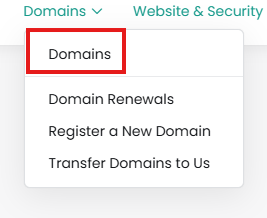
From the Client Area, click Domains:
 

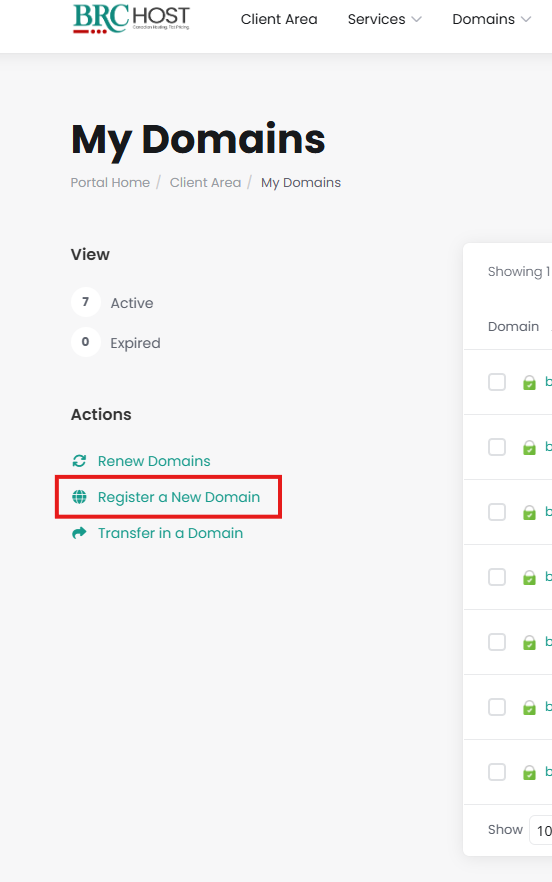
On the left side you'll see a list of "Actions" - click on "Register a New Domain":
 

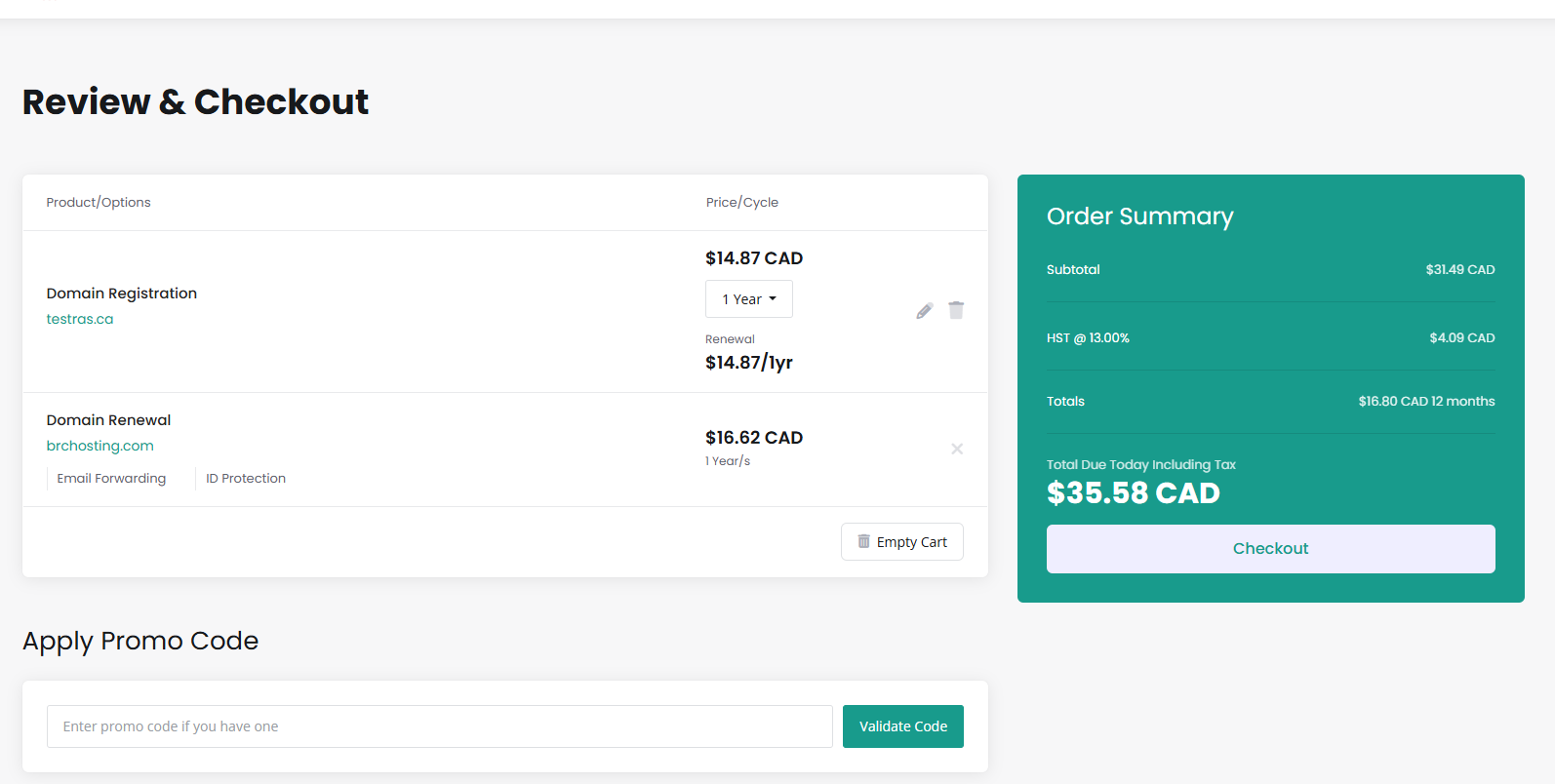
You will be taken to the Shopping cart, you are now a few steps from registering your new domain name.

Step 1: Enter your domain name

Step 2: Click Search

Step 3: Select for how many years you'd like to register your name

Proceed to the Checkout.
 

Please open a support ticket if you need any further assistance.

Was this answer helpful?

Related Articles

How do I make bulk changes?

From our Client Area, click on Domains:   You will see a list of your domains. Check the...

How do I use my domain with GitHub?

You can add the required DNS entries to connect your domain to GitHub via our DNS Manager. For...

How do I change WHOIS privacy options?

WHOIS/Domain privacy is included free of charge for .ca domains registered to "Canadian...

How do I make bulk changes?

From our Client Area, click on Domains: You will see a list of your domains. Check the boxes...

How do I enable or disable auto-renew for my domains?

From the Client Area, click Domains:   click anywhere in the row of the domain you wish to...

Powered by WHMCompleteSolution