



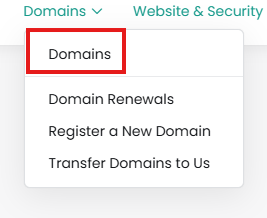
From the Client Area, click Domains:
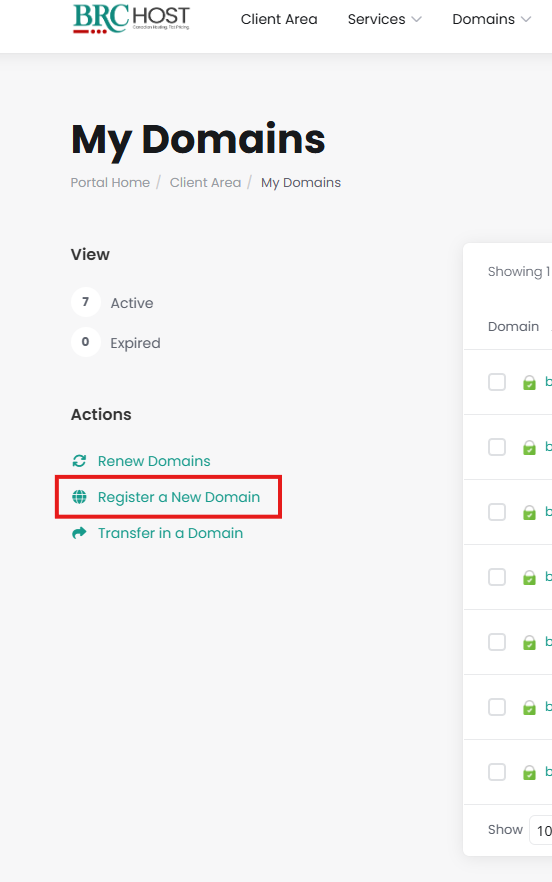
On the left side you'll see a list of "Actions" - click on "Register a New Domain":
You will be taken to the Shopping cart, you are now a few steps from registering your new domain name.
Step 1: Enter your domain name
Step 2: Click Search
Step 3: Select for how many years you'd like to register your name
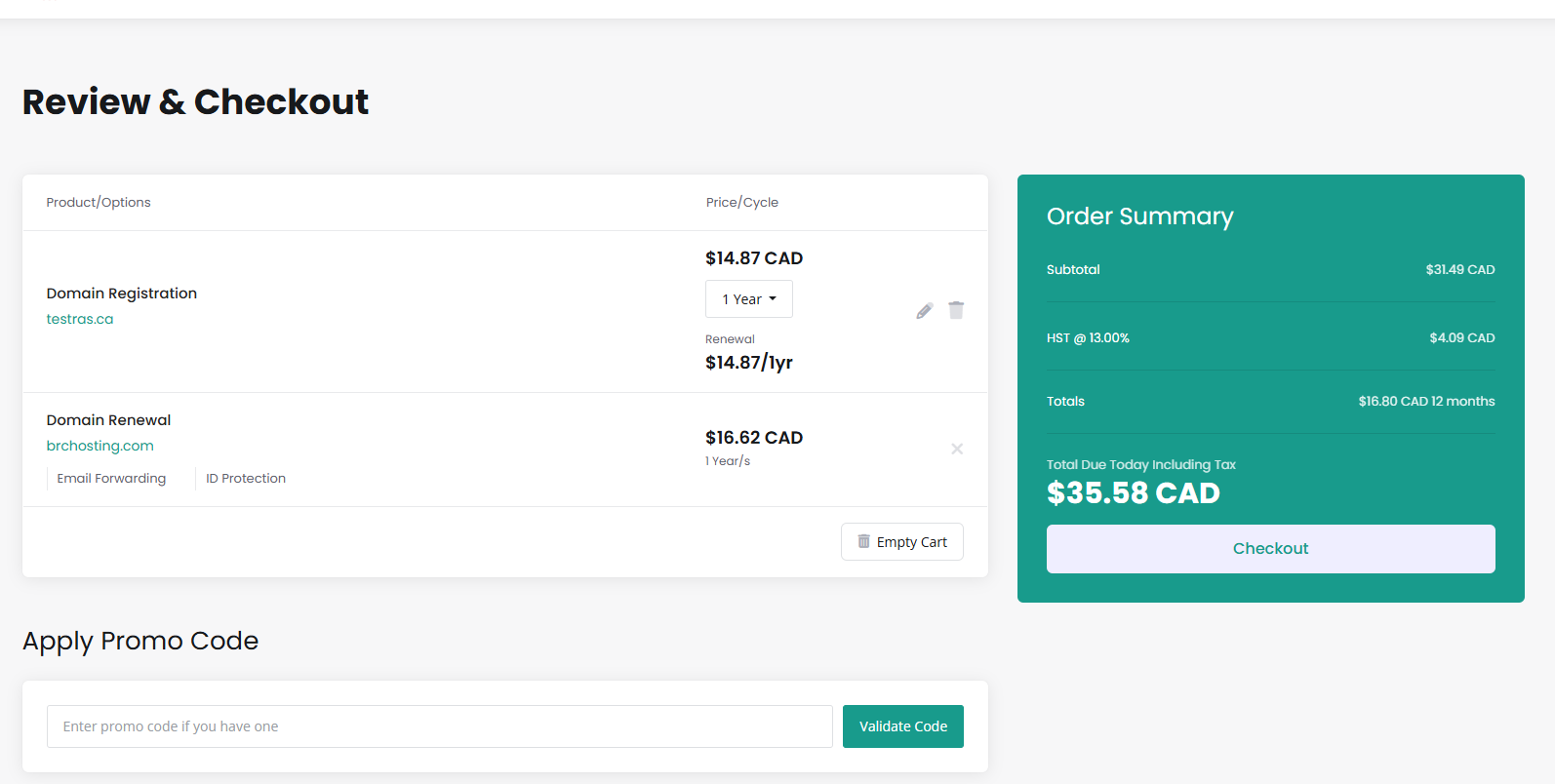
Proceed to the Checkout.
Please open a support ticket if you need any further assistance.